Earn 2.5% p.a. interest on your Uniplus Account when you invest or insure with us.
Now enhanced to make your money work harder as you save and invest or insure with UOB. Subject to qualifying criteria. T&Cs apply. SGD deposits are insured up to S$100k by SDIC.
Explore UOB's range of savings accounts and credit cards designed around your banking needs. Get started by entering your friend's referral code here. Subject to qualifying criteria. T&Cs apply.
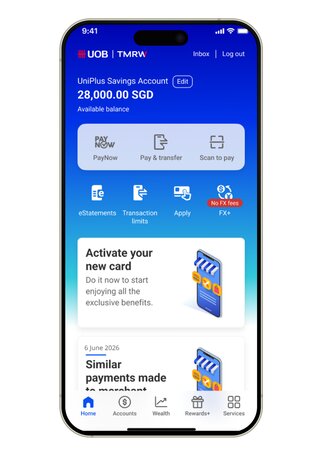
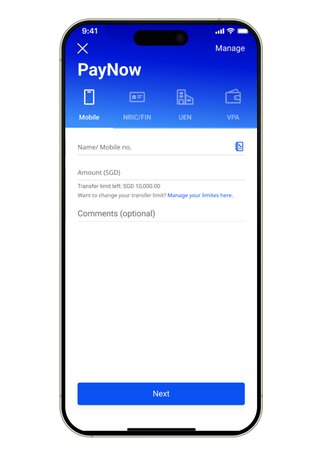
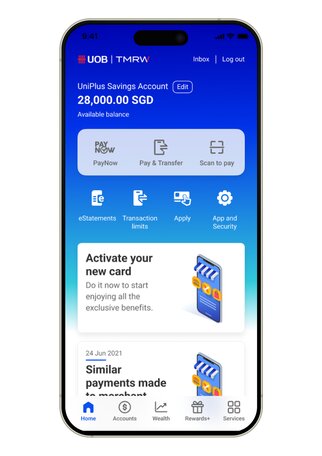
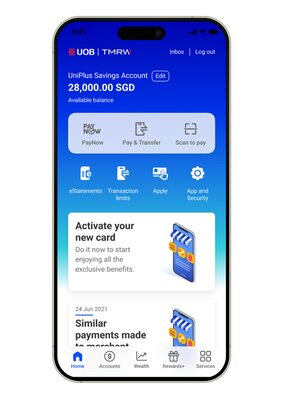
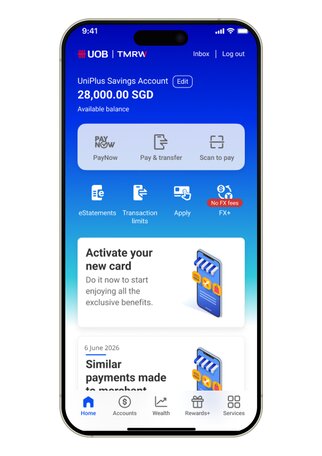
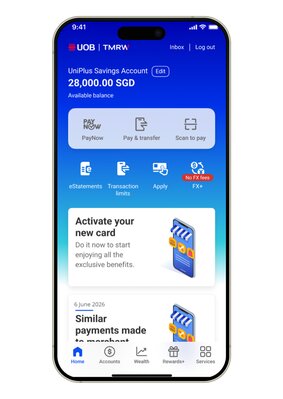
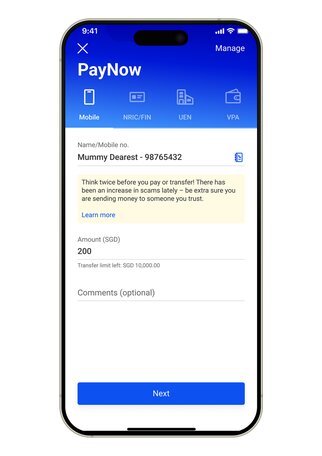
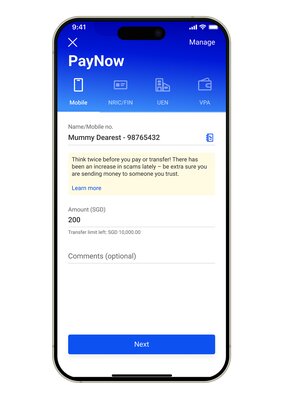
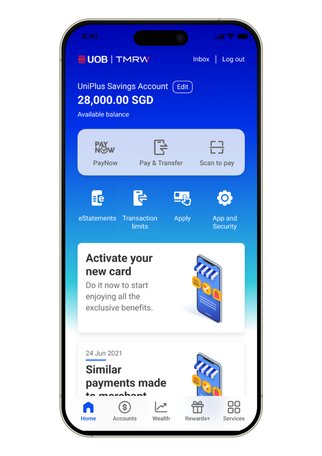
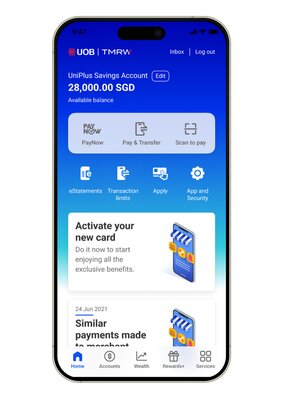
Learn how to make payments, transfer money with PayNow, pay bills and use Scan to pay with UOB TMRW app.
Overview
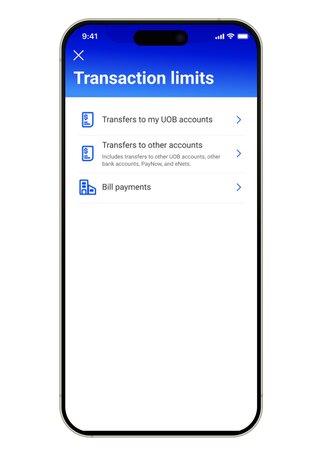
Customers can track and set their transaction limits for their local and overseas payments and transfers as shown in the below table. If you wish to manage your limits, simply log in via UOB TMRW or UOB Personal Internet Banking. Click here to learn how. Please note that transactions limits for certain types of transactions (labelled with *) cannot be updated.
Transaction Type
Personal Banking and Wealth Banking customers
Privilege Banking and Private Banking customers
Default Limit
Maximum Limit
Default Limit
Maximum Limit
Fund Transfer to Own UOB Account
No limit
No limit
No limit
No limit
Transfer to other accounts (Includes transfers to PayNow and PayNow QR, other UOB accounts, other bank accounts, eNets and EDP)
5,000
200,000
10,000
200,000
NETS QR*
1,000 Note: This limit is shared with the limit for “Transfer to other accounts” stated above. Once this shared limit has been fully utilized by transactions under “Transfer to other accounts” or NETS QR transactions, you will not be able to perform new NETS QR transactions until the next calendar day.
Transfer to overseas account
5,000
100,000
5,000
200,000
PromptPay QR | DuitNow QR | QRIS QR *
The following are sub-limits of Transfer to overseas account
- 1,000 each*
- 1,000 each*
- 1,000 each*
- 1,000 each*
Overseas transfers via PromptPay | DuitNow *
- 1,000 each*
- 1,000 each*
- 1,000 each*
- 1,000 each*
Payment to own UOB Credit Cards
No limit
Bill Payment
20,000 (monthly)
200,000 (monthly)
50,000 (monthly)
200,000 (monthly)
Payment to Other Bank Credit Cards (min S$5 per transaction)
50,000 (per transaction)
50,000 (per transaction)
Note:
There may be a 12-hour cooling-off period when you submit a request to increase your limit (for 3rd party local and overseas fund transfer). This is to combat online banking fraud and protect your accounts. When making payments to other bank credit cards above S$500, please add the card as a biller. Click here to learn how to add a payee. Please note that there will also be a 12-hour cooling-off period for transfers to your newly added payees excluding newly added billers, and additional transaction signing is required for transfers above S$5,000 to added payees.
* You will not be able to update these limits via UOB TMRW/UOB Personal Internet Banking, as they follow industry-prescribed limits and cannot be adjusted.
No. You will not be able to perform a NETS QR transaction if you have already made a PayNow transfer of S$1,000 on the same day. This is because S$1,000 is a shared daily limit across the following transaction types:
Transfer to other accounts
eNETS
PayNow transfers and PayNow QR transactions
NETS QR transaction
EDP
Once the shared daily limit of S$1,000 has been reached due to the sum of all the above transaction types, you will not be able to perform new NETS QR transactions until the next calendar day.
You may transfer funds subject to your daily or monthly transfer limits. The minimum and maximum allowable limits that can be set are S$0.01 and S$200,000 respectively. These follow the industry-prescribed limits and cannot be adjusted.
You may transfer funds subject to your daily or monthly transfer limits of up to S$200,000. The default funds transfer limit is S$5,000. Learn how to change your limits here.
There is a separate daily maximum limit of SGD 1,000 for each participating country. The daily remaining limit will be displayed on the app when a payment is initiated.
For overseas QR payment to Malaysia, Indonesia and Thailand, there is a minimum payment amount of MYR 1 (DuitNow QR), THB 1 (PromptPay QR) and IDR 1,000 (QRIS QR).
There is a separate daily maximum limit of SGD 1,000 for each participating country. The daily remaining limit will be displayed on the app when a payment is initiated. There is a minimum payment amount of MYR 10 (DuitNow), and THB 100 (PromptPay).
You may transfer funds for card payments subject to your daily or monthly transfer limits for bill payment. The minimum and maximum amounts for card payments are S$5 and S$50,000 respectively and only applies to payments made in respect of selected Other Bank Credit Cards. Please note that you will need to first add your card as a payee if the payment amount is above S$500.
PayNow is a complimentary funds transfer service available 24/7 that lets you send money instantly using your payee’s mobile number, NRIC/FIN or UEN.
Today, with UOB, you can make transfers to payees in Singapore (via PayNow), Malaysia (via DuitNow) and and Thailand (via PromptPay). Learn how here.
PayNow is currently offered by 21 banks and 6 non-bank financial institutions. More may join at a later date. Refer to The Association of Banks in Singapore’s PayNow page for more details here.
No. PayNow only enables funds transfer between participating banks. Funds between a participating and non-participating bank can be transferred via other channels such as FAST or Interbank GIRO for domestic transfers and telegraphic transfer for cross-border transfers.
Yes, PayNow is secure and adopts the same high security standards established by the banking industry in Singapore for funds transfer. Additional transaction signing will be required for: ad-hoc PayNow transfers exceeding daily cumulative of S$1,000 and up to maximum of S$200,000; and added payee transfers above S$5,000 per transaction
You can access PayNow using UOB Personal Internet Banking or UOB TMRW. Learn how here.
Yes, all CASA joint account holders are able to use the same account for PayNow registration and receive PayNow transfer
Unfortunately, no. Only single and joint OR accounts can send PayNow transfers.
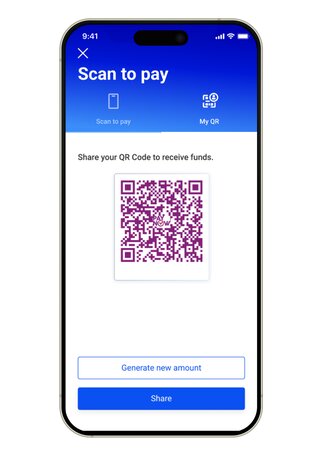
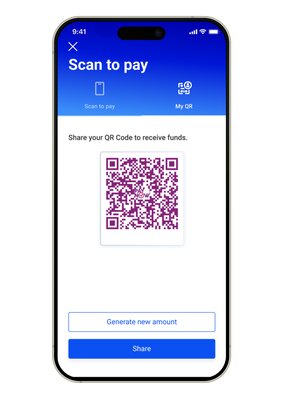
First, make sure you've registered your phone number with us for PayNow to generate QR codes. To receive money, tap on the 'Home' tab on the bottom bar. Then, go to 'Scan to pay' > 'My QR'. Share your QR code as it is or choose a preset amount. View here for the exact steps.
With effect from 14 November 2023, PayNow transfers for gambling-related activities to the registered PayNow proxies of the following entities will not be allowed if UOB CashPlus is the source of funds for such transfer(s).
Singapore Pools (Private) Limited
Marina Bay Sands Pte Ltd.
Resorts World At Sentosa Pte. Ltd.
Call us at 1800 222 2121 immediately. If you're overseas, call (65) 6222 2121 instead. We'll investigate and follow up with the recipient’s bank. You may also be advised to lodge a police report to aid in the investigation.
As part of the Shared Responsibility Framework (SRF) issued by the Monetary Authority of Singapore (MAS) and Infocomm Media Development Authority (IMDA) for phishing scams, UOB will enhance our real-time fraud surveillance system effective from 16 June 2025.
Some transactions may be temporarily held for up to 24 hours, which is a necessary measure to protect you. For more information on SRF, please click here.
If this transaction is not performed by you, please log in to UOB TMRW immediately to cancel this transaction by navigating to 'Accounts' tab > Transactions. Alternatively, you may contact our dedicated 24x7 Fraud Hotline 6255 0160 and press “1” to report a case.
Do ensure that you have de-registered with the other bank(s) before you attempt to register for PayNow with UOB. If you are intending to close your account(s) with the other bank(s), you will still have to de-register first as account closure(s) requires some time to be processed.
To register for PayNow on UOB TMRW, you may refer here.
Please check if you have received any notification from us regarding a wrong transfer. If not, please call us at 1800 222 2121 immediately for our investigation. If you're overseas, call (65) 6222 2121 instead.
Please inform the sender to notify his/her bank regarding the wrong transfer, and the sender’s bank may advise to lodge a police report to aid in the investigation.
It is a criminal offence to knowingly retain funds that have been erroneously transferred. Should such an incident occur and the recipient declines to return the funds despite notification, you may wish to lodge a police report.
This is a service that lets you send and receive money using QR codes. Enabled on UOB TMRW, this service lets you send and receive money using QR codes in Singapore, Malaysia, Thailand and Indonesia. Learn how here.
You can do so at all merchants that accept SGQR, PayNow QR, Nets QR or FavePay QR codes.
How to manage your limits
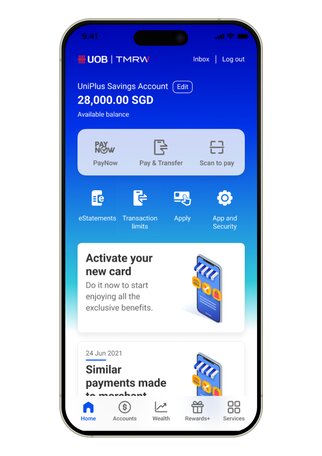
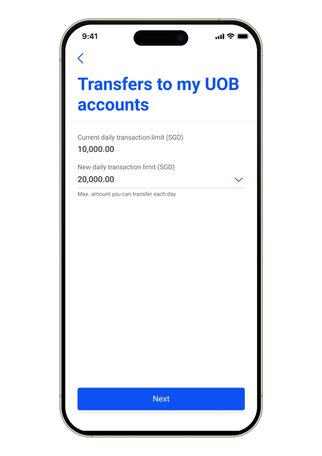
Step 1 : Login to UOB TMRW and tap “Transaction limits".
Step 2 : Select the limit you wish to change.
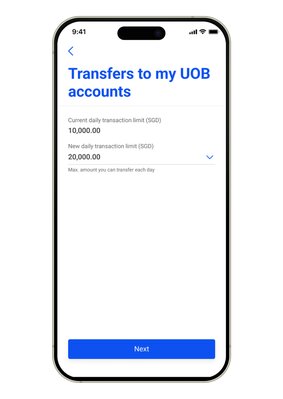
Step 3 : Your current and new limit will be shown here.
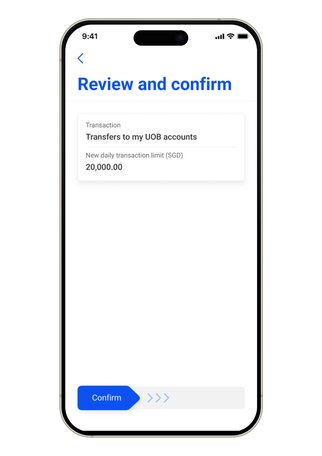
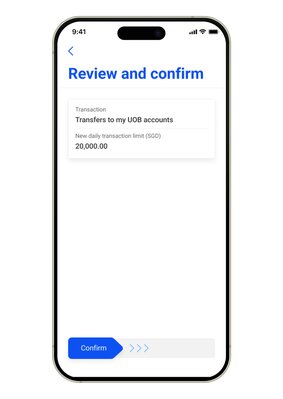
Step 4 : Review your new limit and swipe right to confirm. As a fraud control measure, there is a 12h cooling period before your limit increase takes effect. This does not apply for limit reductions.
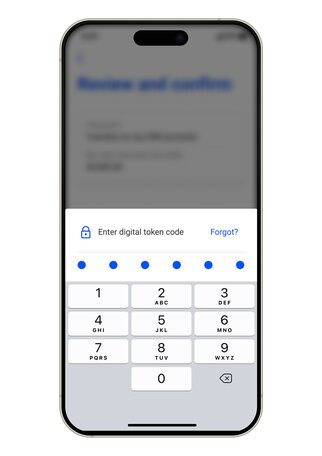
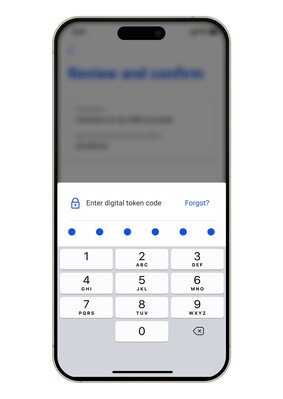
Step 5 : Next, enter your digital token code as an added layer of security. This step is not required for limit reductions.
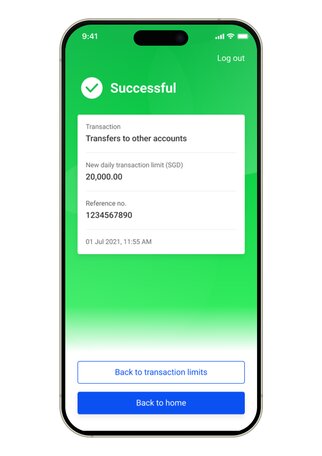
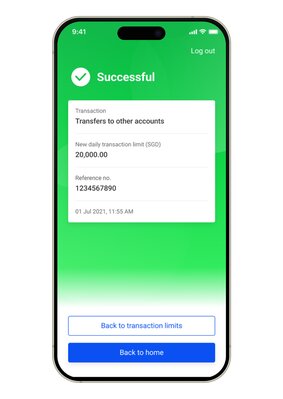
Step 6 : Your change of transaction limit is successful.
How to register with PayNow to receive funds
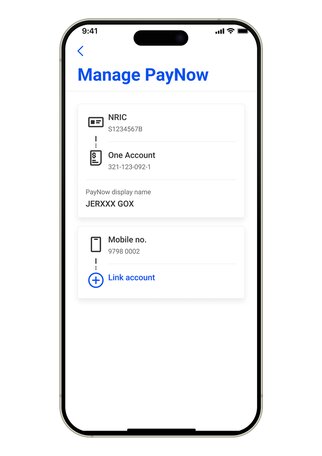
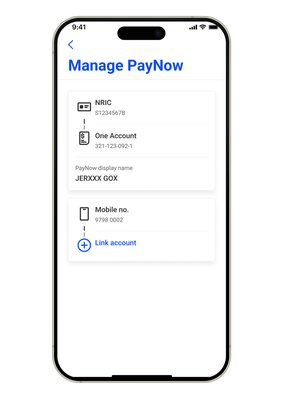
Step 1 : Log in to UOB TMRW and tap "PayNow".
Step 2 : Tap on "Manage".
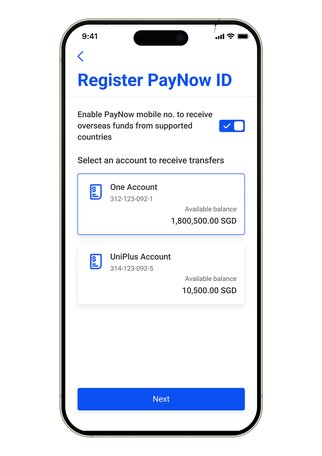
Step 3 : Select either your mobile or NRIC that you wish to register for your PayNow.
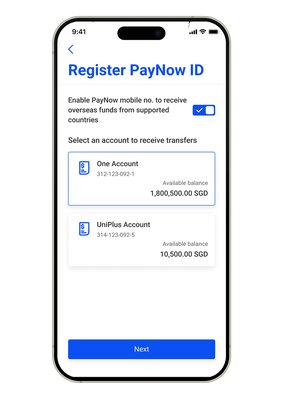
Step 4 : Select the Bank account you wish to link to your mobile number and/or NRIC.
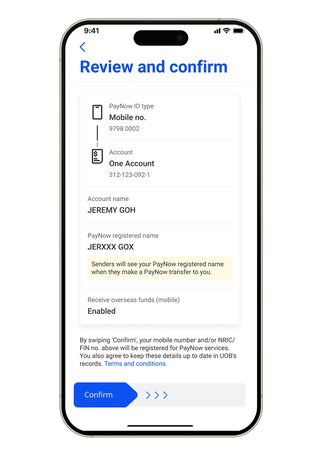
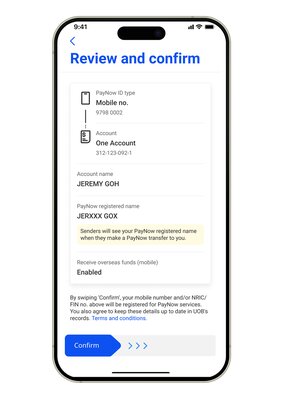
Step 5 : Review the details and swipe right to confirm. Your PayNow display name with selected letters will be displayed to your sender to help safeguard customer privacy.
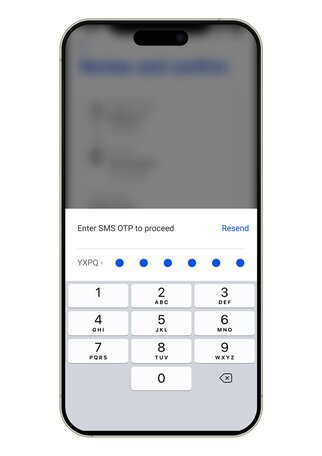
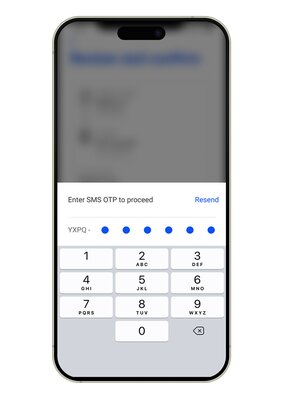
Step 6 : Next, enter your SMS OTP.
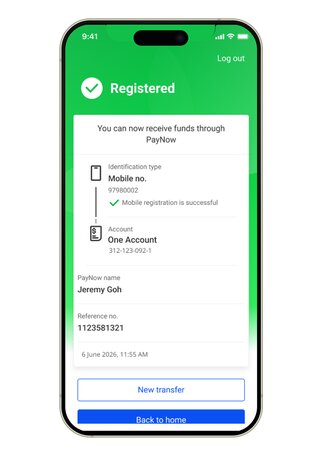
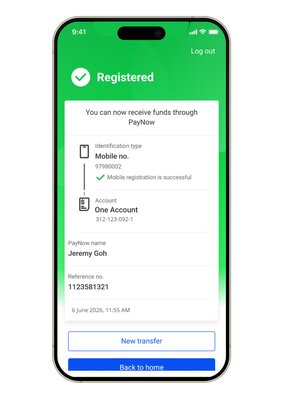
Step 7 : You have successfully registered for PayNow. You may now receive money in real-time securely and instantly via PayNow.
Note: The above screens are available on the latest version of the UOB TMRW app from 6 June 2026. Download the latest version for the best experience.
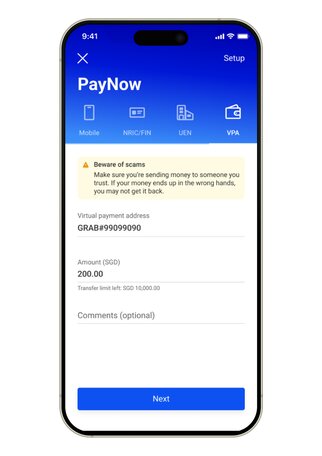
How to make a PayNow transfer to VPA
Step 1 : Log in to UOB TMRW and select "PayNow".
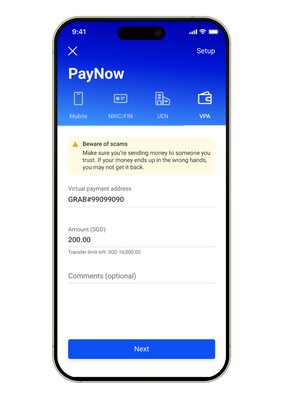
Step 2 : Tap on "VPA" and enter your Virtual Payment Address e.g. +6591234567#GRAB.
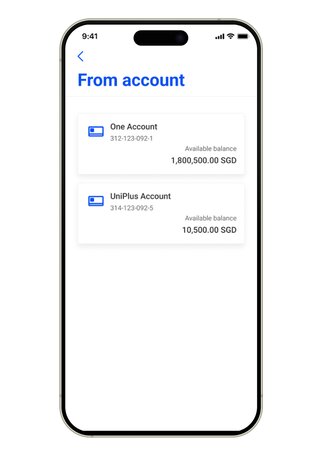
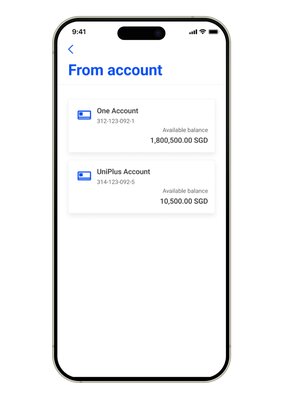
Step 3 : Select the debiting account.
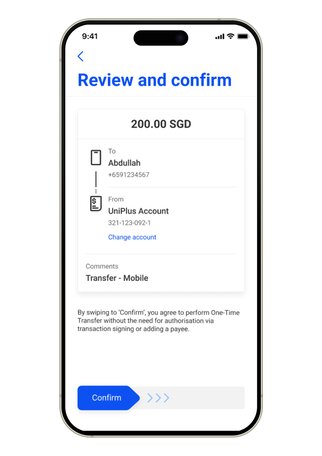
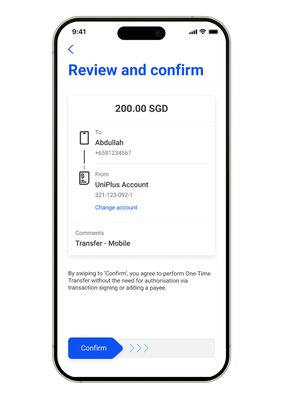
Step 4 : Confirm your recipient details by swiping to the right.
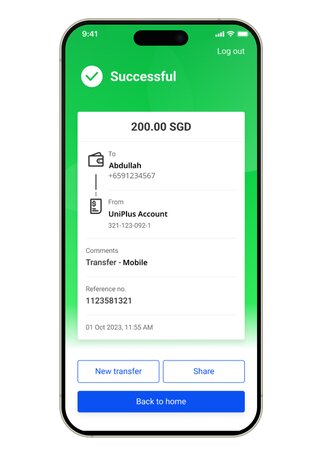
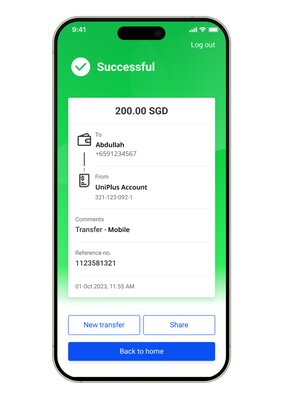
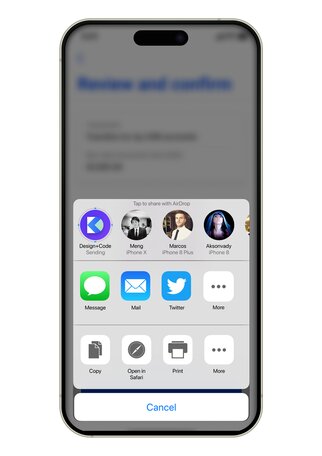
Step 5 : Transfer completed! Tap on "Share" to send an image of the transaction via your preferred social messaging app.
How to make a transfer to Mobile/NRIC/FIN
Step 1 : Log in to UOB TMRW and select "PayNow".
Step 2 : Tap on “Mobile" and enter your details.
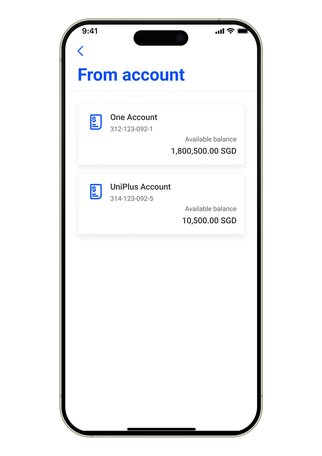
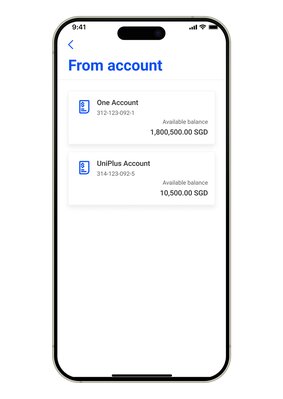
Step 3 : Select the debiting account.
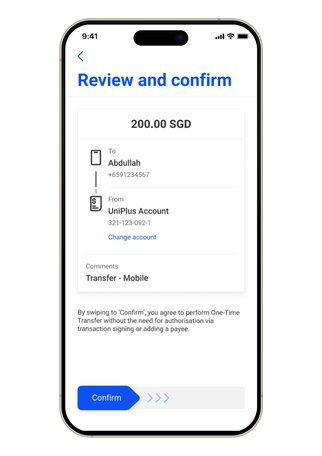
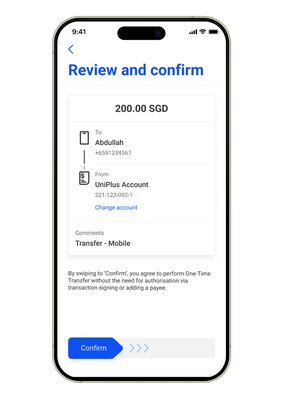
Step 4 : Confirm your recipient details by swiping to the right.
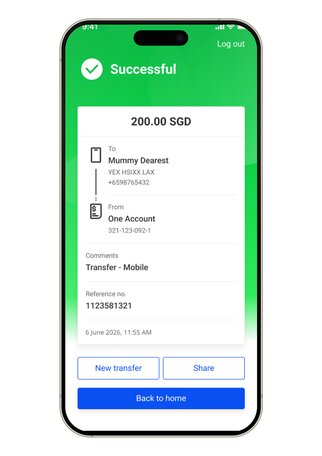
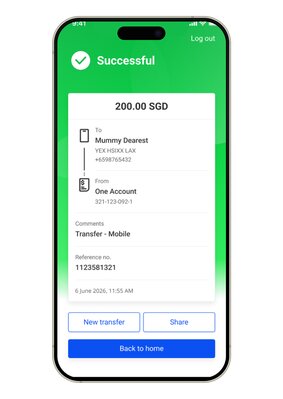
Step 5 : Transfer completed!
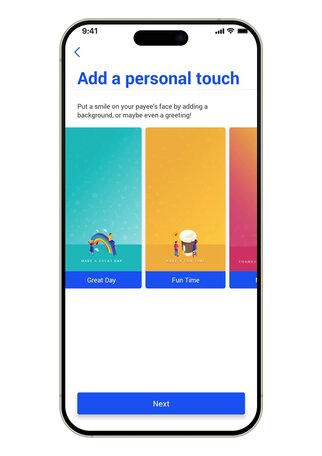
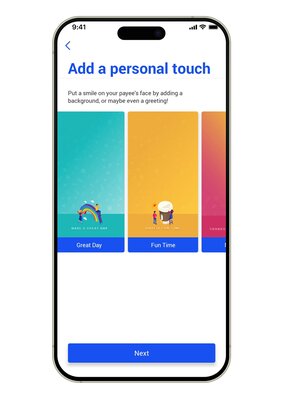
Step 6 : Tap on "Share", then scroll right to personalise your transfer with our wide range of background designs before sending via your preferred social messaging app.
Note: The above screens are available on the latest version of the UOB TMRW app from 6 June 2026. Download the latest version for the best experience.
How to generate your PayNow QR code to receive money
Step 1 : Log in to UOB TMRW and select "Scan to pay".
Step 2 : Tap on "My QR" and enter the amount you are requesting.
Step 3 : Share your generated QR code with your friends to receive payment.
We use cookies to improve and customise your browsing experience. You are deemed to have consented to our cookies policy if you continue browsing our site.